Documents you send again and again. Templates that fill themselves.
Document automation for businesses. Start from a Word or PDF document you already send, and DocuWeave fills it from your emails, PDFs and notes.
Free for 1 template and 5 documents a month. Starter £29, Team £99, Business £299 a month. All + VAT, unlimited users.
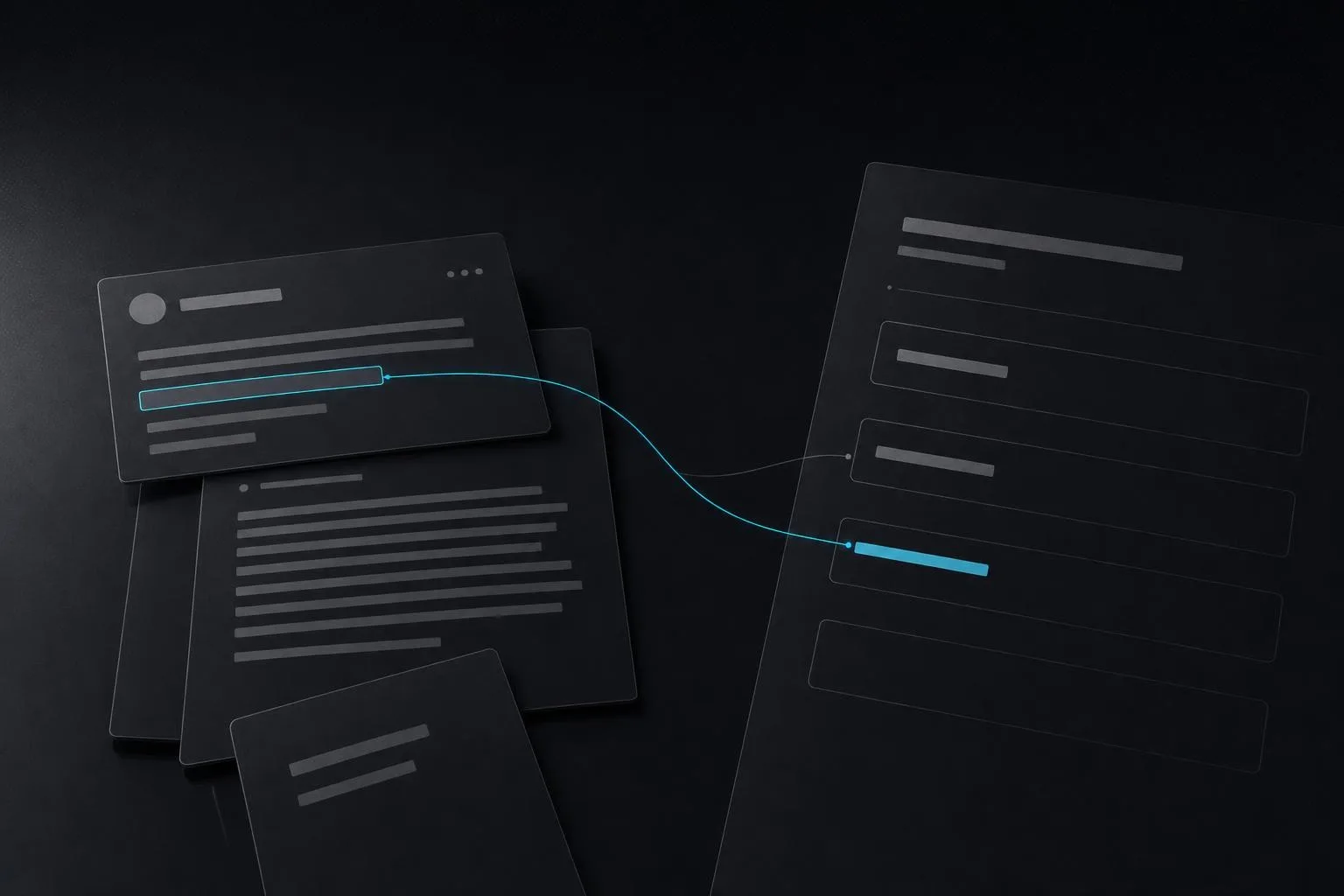
Built for one person’s paperwork first.
01 — Why we built itDocuWeave started with one job: the same agreements and letters, produced again and again, each assembled by hand from data spread across several source files. Every document meant reading, copying, pasting and checking.
The tools that promised to do this failed on real documents. We built one we would trust with our own.
We tested the leading tools first.
02 — What we foundWe tried the leading document-automation products and the leading AI models on real documents. On documents with many custom fields they failed in the same ways: formatting lost, values in the wrong place, and fields filled with something plausible and wrong.
That told us where the hard part was. Generating text is easy. Filling every field correctly, every time, and saying so when a value is missing, is not.
Four problems to solve.
03 — The problems- 01Templates that break your formatting. Your wording, numbering and tables come back changed.
- 02Fills you cannot trust. A wrong value looks exactly like a right one, so every document has to be checked line by line.
- 03Tools that make the same mistake every time. Correct a value today and it comes back wrong tomorrow.
- 04Client documents sent to AI services abroad, with no say in where they are stored or processed.
Four problems. Four answers.
What we wanted was reliable template creation and a fill that learns. We tried dozens of approaches and models to get there. DocuWeave has been through hundreds of tests, and it creates templates and fills them reliably.
- 01Your document becomes the template.A template is made from a Word or PDF document you already send, keeping your wording, numbering and tables. Every blank and every “include this clause if…” rule becomes a plain-English question, so the template says exactly what it needs before anything is filled.
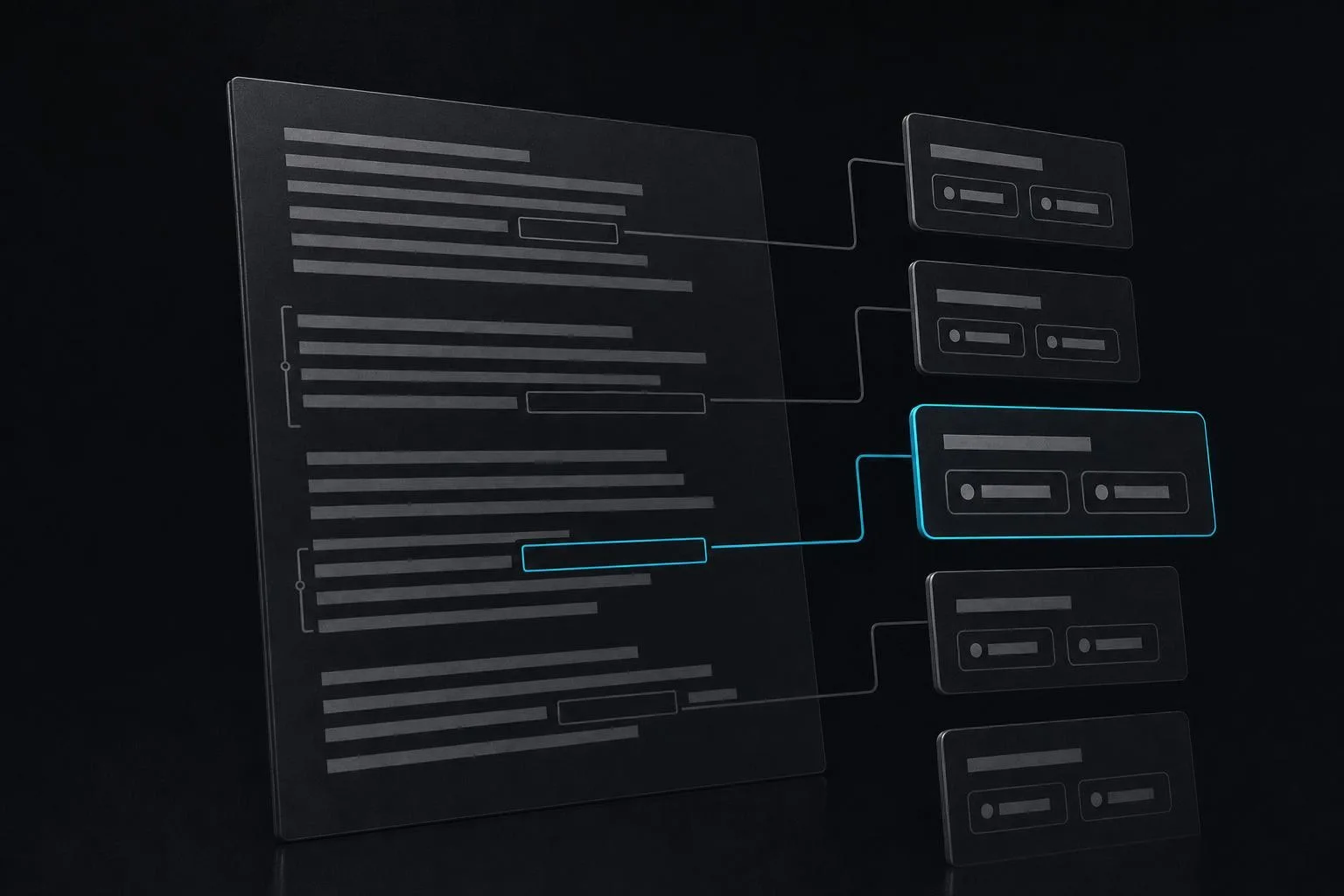
- 02Every answer quotes its source, or asks.You upload the paperwork you already have: emails, PDFs, notes. Files are read in your browser, and only their text goes to the AI. For each answer the AI must first quote the passage it came from, or say “not stated”. Code then checks every answer against the template. Anything doubtful, conflicting or missing becomes a question to you, never a guess. The rule we built it around: a flagged value is fine, a silent wrong value is not. A person approves every document before it can be downloaded, and the approval is recorded.
- 03Each correction becomes a lesson.When you correct a value, DocuWeave turns the correction into a general lesson, such as “the signer is the director in the email sign-off”, and applies it next time. Lessons never contain client details. They are kept per firm and per template, and you can see and edit them under “What DocuWeave has learned”.
- 04Your documents stay in the UK.Your documents and everything in them are stored and processed only in the UK, on Amazon Web Services in London.
How it is built.
05 — How it is builtFor the technical reader: how DocuWeave is put together, and the approaches we chose against.
- ✦Web applicationNext.js and TypeScript, deployed on Amazon Web Services with SST. Subscription plans through Stripe.
- ✦Data in LondonPostgres on Amazon Web Services in London. Templates, values, source passages, approvals and the audit trail live there.
- ✦Reading in the browserSource files are read in the browser and only their text is sent on, to an AI function that runs separately on Amazon Web Services in London.
- ✦Checks in codeThe model proposes; code decides. Every value must arrive with the passage it was quoted from, or be marked “not stated”, and is checked against the template’s rules before you see it.
- ✦Lessons, scopedCorrections are stored as general lessons, per firm and per template, with no client details in them.
- ✦Approaches we chose againstGrouping values hid real conflicts, so each value is checked on its own. A separate review pass did no better than the checks, so we left it out. A map of the parties caused more silent errors than it removed, so we dropped it.
Tell us what you’re trying to build.
DocuWeave is live, and you can try it today. Or book half an hour on a call with our team, and you leave with our view on what your project takes and what comes first.